




Instagram Symbols Explained: What Each Icon Means
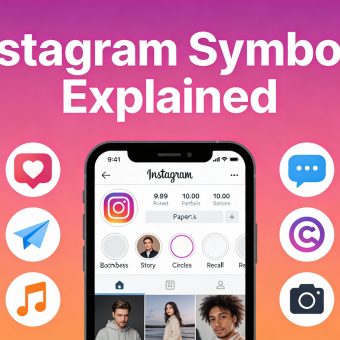
Introduction: Instagram is full of small symbols and icons—but not everyone knows what they actually mean. From hearts and paper planes to hidden icons inside Stories, Reels, and Direct Messages,...

Introduction:
Table Of Content
- What Are Instagram Symbols and Icons?
- Common Icon Categories on Instagram
- Instagram Main Screen Icons Explained
- Home Screen Icons (Bottom Bar)
- Top Bar Icons
- Post and Feed Icons: What They Mean
- Interaction Icons on Each Post
- Other Post-Indicators
- Story Icons and Their Meanings
- On the Profile or Story Bar
- In Story View
- Instagram Reels and Icons Explained
- DM (Direct Message) Icons and Their Meanings
- Profile symbols and Account Settings
- On the Profile Page
- Bio and Username Area
- New and Hidden Instagram Symbols in 2025
- Tips to Quickly Identify Instagram Icons
- FAQ Section (Questions with Answers)
- Conclusion: Navigate Instagram Like a Pro
Instagram is full of small symbols and icons—but not everyone knows what they actually mean. From hearts and paper planes to hidden icons inside Stories, Reels, and Direct Messages, these symbols control how you interact on Instagram every day.
If you’ve ever wondered “What does this Instagram icon mean?”, you’re not alone.
This guide is for:
- New Instagram users
- Content creators & influencers
- Business owners & marketers
- Anyone confused by Instagram updates?
What Are Instagram Symbols and Icons?
Instagram uses icons to represent actions, features, or notifications. Understanding them helps users avoid mistakes (like deleting or archiving posts) and speeds up navigation.
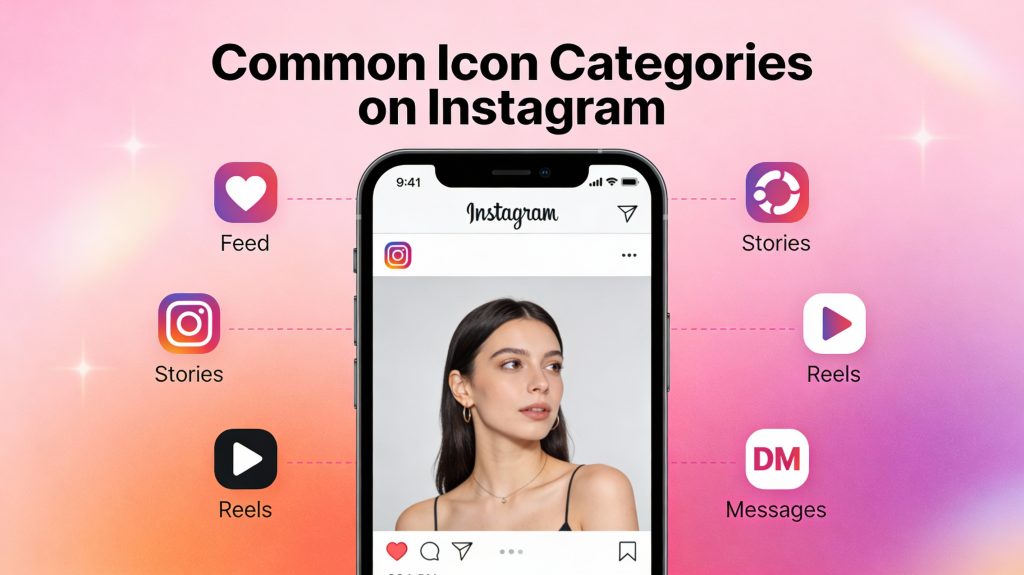
Common Icon Categories on Instagram
Read also:Gemini & AI Search: How Google’s AI Tools Are Powerfully Shaping Search
- Navigation icons: Found at the bottom (Home, Search, Reels, Shop, Profile).
- Interaction icons: See on posts (Like, Comment, Share, Save).
- Story icons: Indicate views, highlights, or activities.
- DM icons: Used for chats, reactions, and active status.
Instagram Main Screen Icons Explained
Home Screen Icons (Bottom Bar)
- Home icon (🏠): Takes you to your feed.
- Search (🔍): Opens the Explore page to find trends or users.
- Reels (🎬): Shows short videos from creators and pages you follow.
- Shop (🛍️): Directs you to Instagram Shopping
- Profile icon (👤): Opens your personal page and settings.
Top Bar Icons
- Heart icon (❤️ or for ): Shows new notifications, likes, and followers.
- Messenger (✉️ or 💬): Opens Instagram Direct for DMs and calls.
- Create (+ symbol): Starts a new post, story, or reel.
Post and Feed Icons: What They Mean
Interaction Icons on Each Post
- Heart (❤️): Like a post. Turns red when tapped.
- Speech bubble (💬): Comment on the post.
- Paper Plane (📤): Share the post via DM or Story.
- Bookmark (🔖): Save the post to your collection.
Other Post-Indicators
- Three dots (⋮): Options — report, hide, or copy the link.
- Blue ticker (✔️): Verified account.
- Carousel dots: Indicate multiple images in a post — swipe left to view more.
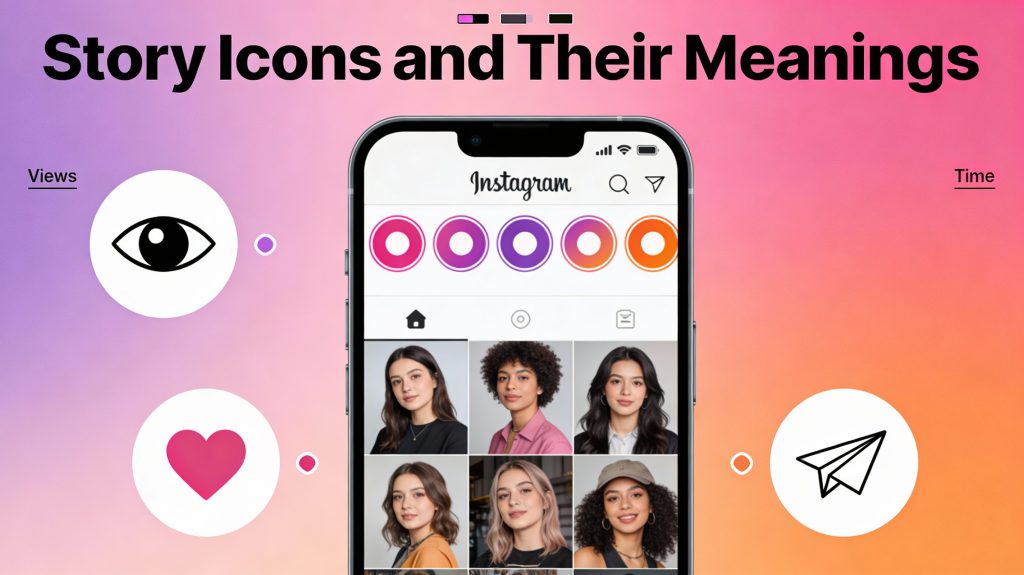
Story Icons and Their Meanings
On the Profile or Story Bar
- Colorful ring around profile: User has an active story.
- Gray ring: The story has been viewed or has expired.
- Highlight circle: A saved story that stays on the profile.
In Story View
- Eye icon (👁️): Shows who viewed your story.
- Paper airplane: Share the story.
- Heart emoji: Quick reaction.
- Timer bar on top: Shows story progress (15 seconds per slide).
Instagram Reels and Icons Explained
- Play button (▶️): Watch the reel.
- Heart: Like the reel.
- Comment bubble: Add or read comments.
- Share plan: Send via DM or story.
- Audio icon: Tap to use the sound in your own reel.
- Camera icon: created with the same effect.
DM (Direct Message) Icons and Their Meanings
- Blue dot: New unread messages.
- Camera icon: Send a photo/video right in the chat.
- Microphone: Record voice messages.
- Heart symbol: React quickly with a like.
- Double check mark: Message was seen or delivered.
- Circle with check: Message sent but not yet read.
Profile symbols and Account Settings
On the Profile Page
- Edit profile: Change username or bio.
- Gear icon (⚙️): Access settings and privacy.
- Insights (📊): Analytics for business or creator accounts.
- Add person (+): Suggestions new accounts to follow.
Bio and Username Area
- Link icon (🔗): External links (e.g., website or link-in-bio).
- Category tag: Business type or interest (e.g., “Photographer”).
New and Hidden Instagram Symbols in 2025
Instagram regularly updates its interface. IN 2025, THESE NEW ICONS GAINED POPULAR
- Broadcast Channel icon (📢): For creator updates to followers.
- Note (💭): Floating status updates in the DM section.
- Verified with Subscription (🔹): Marks accounts verified via Meta Verified service.
- Pinned post icon (📌): Shows that a post is pinned to the profile grid.
Tips to Quickly Identify Instagram Icons
- Hold down any icon – a tooltip or label appears showing its meaning.
- Update the app regularly – icons often change after redesigns.
- Check the official Instagram Help Center for visual icon references.
- Different phones (iOS vs Android) might show slightly different versions.
FAQ Section (Questions with Answers)
1. What does the heart symbol mean on Instagram?
The heart represents “like.” When it turns red, you have liked the post or comment.
2. What does the paper airplane icon mean?
It allows you to share posts or stories directly via Instagram Direct Messages.
3. Why do some Instagram profile icons have colorful rings?
A colorful ring means that the user has a new story you haven’t seen yet.
4. What does the bookmark symbol mean under posts?
It saves the post privately to your saved collection for later viewing.
5. What does the blue check mark next to a username mean?
It shows the account is verified, confirming its authenticity.
6. What does the green dot mean in Instagram messages?
The green dot indicates that the user is currently active on Instagram.
7. What does the “Add Yours” symbol mean in stories?
It’s a sticker that invites followers to reply with their own photos/videos on the same theme.
8. What’s the meaning of the broadcast channel icon?
It shows a creator’s public update channel where followers can join announcements.
9. Why do I see a shopping bag or shop tab icon?
It indicates Instagram Shop, though this feature is limited in some regions after 2025.
10. What does the new notes bubble mean in DMs?
It’s a quick text status update that your followers can view for 24 hours.
Conclusion: Navigate Instagram Like a Pro
Instagram’s interface can feel like a maze at first — full of tiny hearts, arrows, and icons that all seem to mean something different. But once you crack their meanings, the platform starts to feel natural, even fun. Every symbol has a purpose, whether it’s helping you engage with followers, share your creativity, or manage your brand presence with confidence.Think of it this way: the more fluent you become in Instagram’s “icon language,” the more effortlessly you can build your own online identity. With Meta adding new features every few months, staying updated on what each new icon means is like learning the evolving slang of the digital world.
So, what do you think? Let me know in the comments. And if you found this article helpful, share it with your friends. Investing is always better when you learn together. for more educational news subscribe newssy.in






No Comment! Be the first one.